
A moving ASCII background can make a page feel alive within a few seconds. It can also make the page unreadable if the source clip is too busy.
The best results usually come from short clips with clear movement, strong contrast, and enough quiet space for text or interface elements. Motion should create atmosphere, not fight the content.
Pick a clip with a simple subject
ASCII motion works better when the viewer can still understand the shape of the scene. A face turning, water moving, a skyline shifting, a hand gesture, or a simple object reveal can work well. Busy footage with many small details can turn into visual noise.
- Choose a short loop so the page stays lighter and easier to process.
- Look for a clear silhouette because character shapes need something readable to hold onto.
- Use footage with strong contrast so the conversion has enough visual separation.
- Favor slower motion when text or buttons sit nearby.
- Avoid busy backgrounds unless the ASCII scene is the main content, not the backdrop.
Protect the headline
If the ASCII background sits behind text, readability comes first. Use enough contrast, spacing, and overlay control so the headline remains easy to read. A memorable background that hides the message is not helping the page.
On mobile, consider reducing motion intensity or giving the visual more breathing room. Small screens make busy motion feel louder.
Use motion where it adds meaning
Moving ASCII works well for launch intros, creative portfolios, music pages, event pages, developer products, and personal sites with a strong visual identity. It is less useful when the page needs plain reading above all else.
A sensible first build
If you enable frontend MP4 export for an ASCII video, test the target browsers. Export depends on MediaRecorder and codec support, so unsupported browsers may show an unavailable state instead of producing a file.
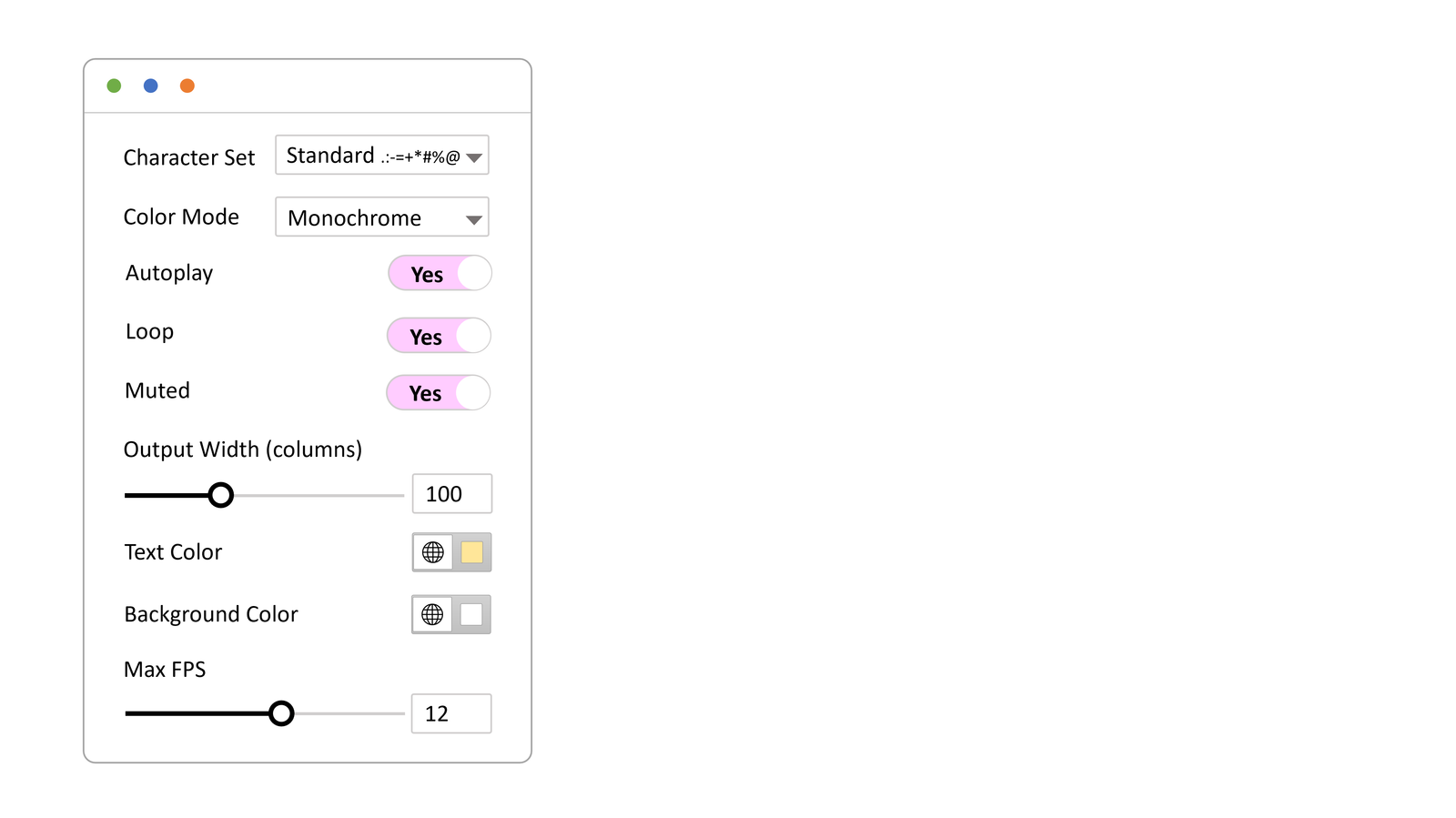
WP ASCIIfy can turn short clips into moving ASCII-style visuals for WordPress pages. For the first version, use one short clip, one clear headline, and one call to action, then tune density and motion after seeing it on desktop and mobile.
If you want a starting point, explore the Sable Personal demo and notice how the motion creates atmosphere while the page still stays readable.